




What is business process automation?
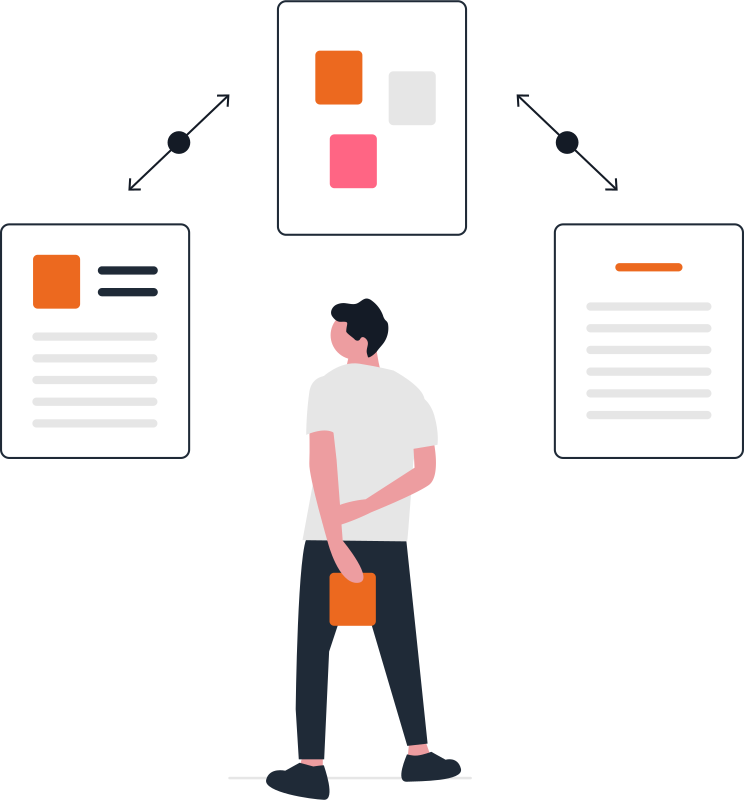
Business process automation is the use of software to run repetitive, rule-based steps such as approvals, data entry, document checks and status updates without manual effort. People still make the decisions, while the system moves information between tools, follows up on pending tasks and keeps a clear log of every step.
Most teams lose a large part of their week to copy-paste work: moving data between sheets, chasing approvals on WhatsApp and re-typing invoices into the ERP. None of it needs a person's judgement, but all of it has to be correct, on time and traceable when someone asks what happened later.
We map how work actually moves through your business today, then automate the steps that are repetitive and rule-based. Your people stay in charge of approvals and exceptions. The system takes care of the running around, the reminders and the record keeping, so nothing depends on someone remembering to send a message.
What we automate
We build approval chains for purchase requests, leave, discounts and credit limits. We set up document processing that reads invoices, KYC files and forms, then checks them against your rules. We connect your CRM, ERP, Tally and Google Sheets so data is entered once. We add scheduled reports, escalation alerts and follow-up messages on email and WhatsApp. Where no ready tool fits, we build a small internal app with its own dashboard.
- Workflow automation
- Document processing
- CRM & ERP sync
- Alerts & follow-ups
What is included
- Process mapping and automation shortlist
- Approval and onboarding workflows
- Invoice, KYC and form processing
- Integrations between CRM, ERP and Sheets
- Exception handling, logs and dashboards
What changes for your business
Fewer manual errors
Data is entered once and checked by rules, so mistakes from re-typing and missed steps drop away.
Faster turnaround
Requests move to the next person the moment they are ready, without waiting for a reminder.
A clear audit trail
Every action is logged with who, what and when, which makes reviews and audits far easier.
How we work
Assess
We understand your processes and uncover high-impact opportunities.
Pilot
We start small and prove value fast.
Scale
We roll out across teams and systems.
Support
We stay with you and keep everything running.
Industries we deliver this for
 Fintech
 Banking & Co-operative Banks
 Insurance
 Manufacturing
 Pharma & Life Sciences
 Construction & Infrastructure
 Professional Services
Ways to work with us
Fixed-scope project
Clear deliverables, timeline and acceptance criteria agreed before work starts. Best for defined builds.
Phased programme
Larger change delivered in stages, each with its own scope and review, so priorities can adjust.
Dedicated team
Developers, designers or testers from our in-house team working on your roadmap, month by month.
Annual maintenance (AMC)
Yearly care for websites and apps: updates, security, backups, fixes and small changes.
Questions about Process Automation
Last updated November 2026


